Reserve now, pay on arrival
Flexible cancellation on selected rooms
Browse our room categories, choose your dates, and reserve directly with the hotel in minutes.
One hotel, one trusted booking experience in Tanzania.
Flexible cancellation on selected rooms
Honest feedback from real stays at our hotel
From standard rooms to premium suites in one location
Our reception and help desk teams are always on hand
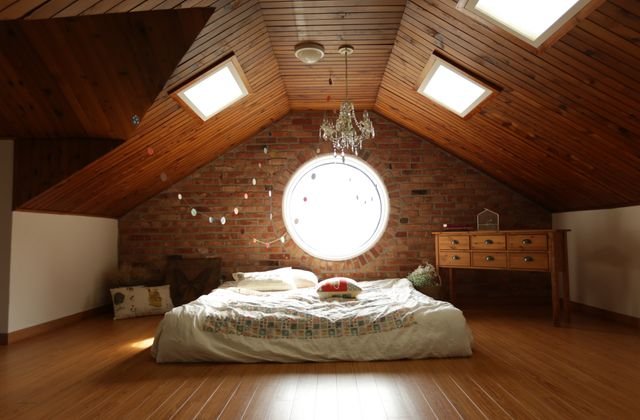
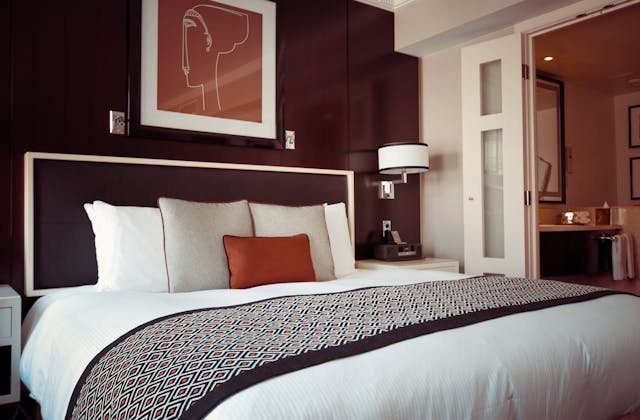
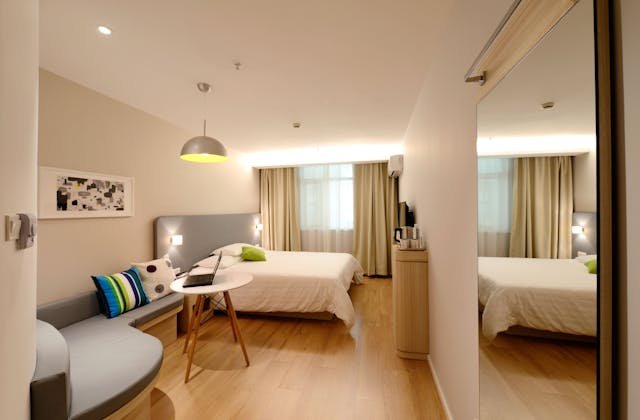
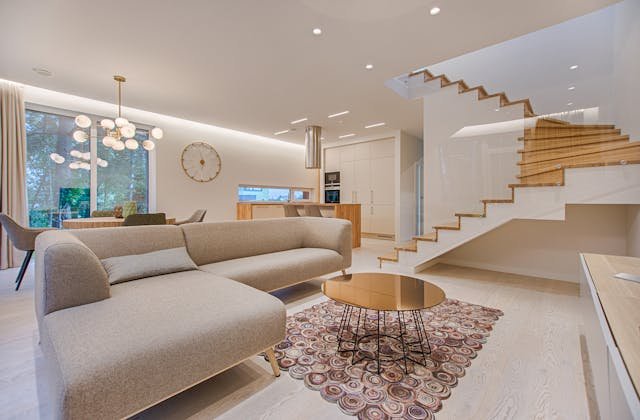
Customer Deluxe
TSh 450.00
+ VAT 18% (TSh 81.00)
Deluxe
TSh 8,500.00
+ VAT 18% (TSh 1,530.00)
Executive
TSh 17,800.00
+ VAT 18% (TSh 3,204.00)
Customer Deluxe
TSh 550.00
+ VAT 18% (TSh 99.00)
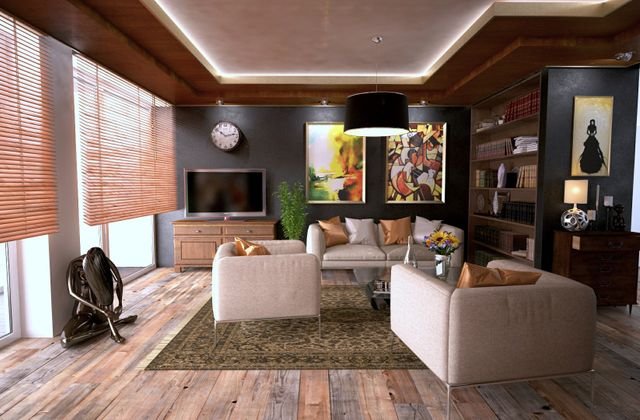
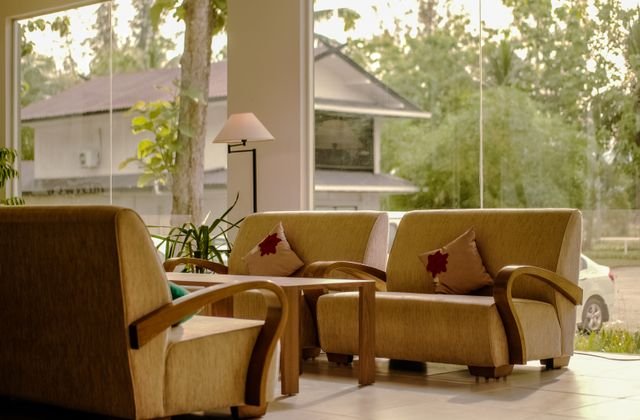
Browse our room types and find the stay that fits your trip.
Weddings, private dinners, and corporate gatherings — no room booking required for external guests.
TSh 450.00
+ VAT 18% (TSh 81.00)
TSh 550.00
+ VAT 18% (TSh 99.00)
TSh 600.00
+ VAT 18% (TSh 108.00)
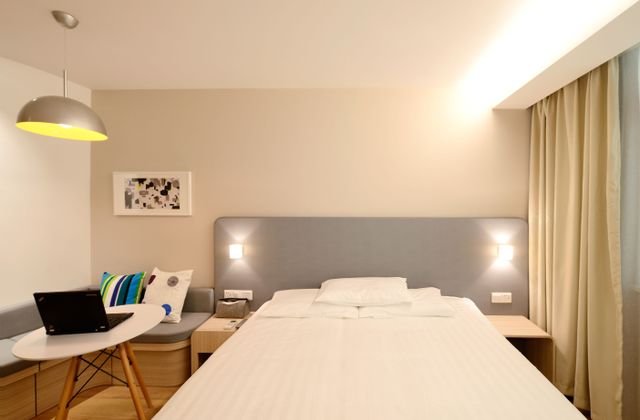
TSh 750.00
+ VAT 18% (TSh 135.00)
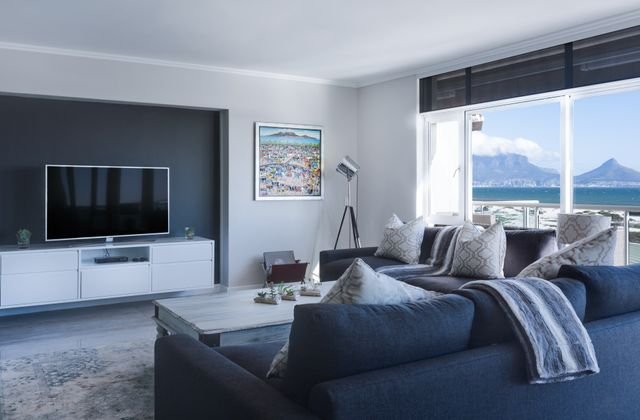
Executive
TSh 18,500.00
+ VAT 18% (TSh 3,330.00)
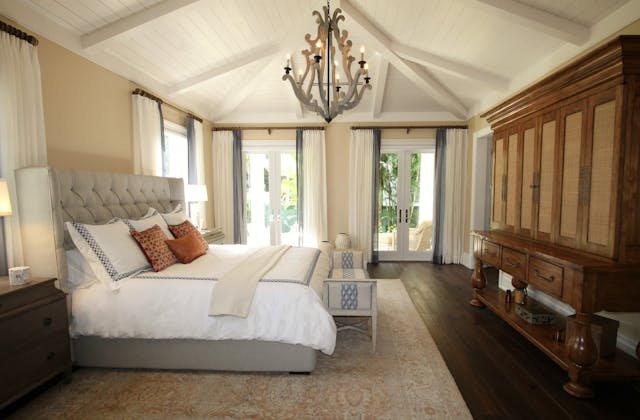
Executive
TSh 17,800.00
+ VAT 18% (TSh 3,204.00)
Executive
TSh 17,000.00
+ VAT 18% (TSh 3,060.00)
Family Suite
TSh 15,000.00
+ VAT 18% (TSh 2,700.00)